N-Core
Transaction signing
Let customers approve payments and sign documents with a cryptographic seal that stands up to auditors and regulators.
The problem
An SMS code proves possession of a SIM, not intent
PSD2 requires strong customer authentication with dynamic linking: the customer must see what they are approving, and the approval must be bound to that exact transaction. SMS codes fail that test quietly. They can be intercepted, and they carry no record of what the customer actually saw.
The solution
What the user sees is what gets signed
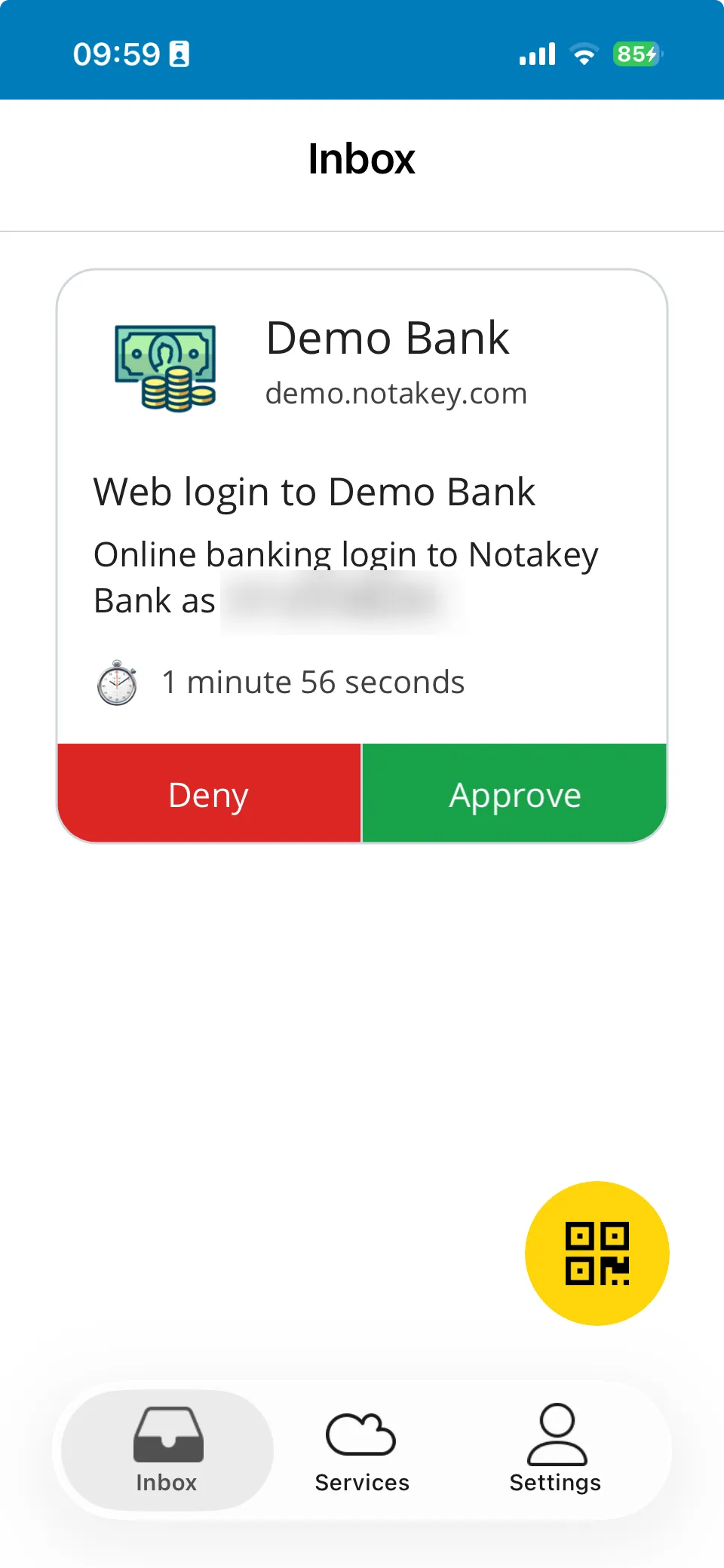
The transaction details (amount, payee, document) appear in the push notification. The user’s approval produces a digital signature over exactly those details, made with a key in the phone’s secure hardware, timestamped and certificate-backed.
The result satisfies PSD2 dynamic-linking requirements and, in partnership with a qualified trust service provider, extends to eIDAS advanced and qualified electronic signatures for legally binding document signing.
- PSD2 strong customer authentication with dynamic linking
- eIDAS advanced & qualified signatures (with QTSP partner)
- Hardware-backed keys: 2048-bit RSA pairs on the device
- REST API integration; live demo bank available
How it works
From zero to protected
- 01
Send a signing request
Your backend calls the REST API with the transaction or document details to display.
- 02
The customer reviews and approves
The full details appear on their phone. Approval requires their hardware-held key, with biometrics if you demand it.
- 03
You store the proof
You receive a signed, timestamped payload with the certificate chain: a per-transaction cryptographic audit trail.
Proof