Identity & access management
Passwordless authentication and transaction signing for enterprises
Replace passwords and SMS codes with a single tap on the phone your people already carry. Deploy on-premise or in the cloud. Your VPN, Windows and web applications keep working unchanged.
Why Notakey
Stronger than tokens and SMS, easier on your users and your IT team
No password to steal, no code to intercept
The user’s key is generated inside their phone’s secure hardware and never leaves it, so it cannot be copied, SIM-swapped or replayed. Every request shows what is being approved, so a prompt nobody started is easy to decline.
Onboarded in minutes, no support tickets
Employees enroll themselves against the user directory you already run: Active Directory, LDAP or RADIUS. No hardware tokens to ship, no helpdesk queue.
Runs where you need it
A virtual appliance on your own infrastructure, or our cloud. It speaks the protocols your systems already use (RADIUS, SAML, OAuth), so your VPN and applications keep working unchanged.
Audit-ready by default
Every authentication and signature is a cryptographically signed, timestamped event. Your auditors get the log without you building one.
How it works
Three steps between your users and passwordless
- 01
Enroll
The user installs the Notakey Authenticator app and enrolls with their existing credentials. A key pair is created in the phone’s secure element. The private key never leaves the device, and Notakey never stores user data centrally.
- 02
Approve
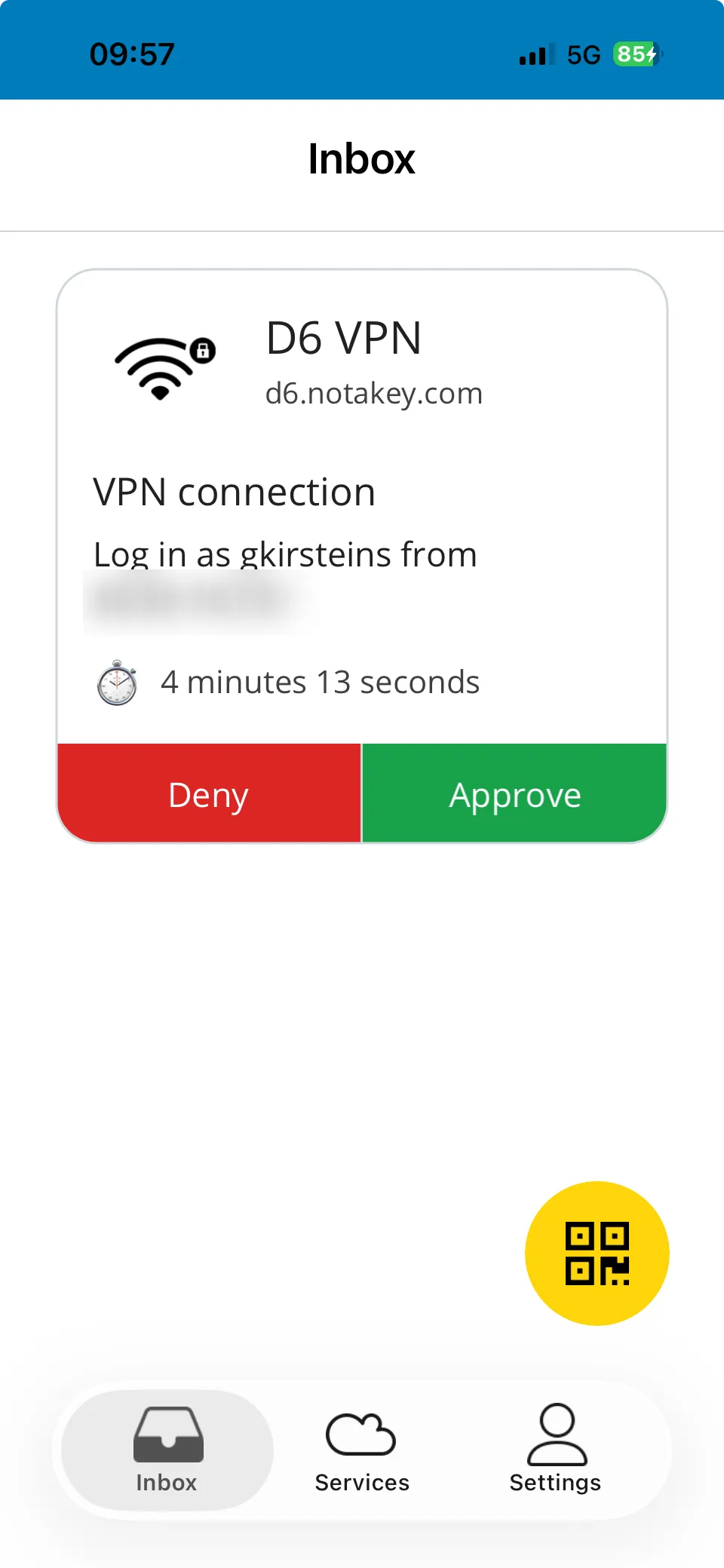
A login or transaction triggers a push notification showing exactly what’s being approved. The user checks the details and confirms with a tap, plus a fingerprint or face check if your policy requires it.
- 03
Prove
The approval is a digital signature over the request, timestamped and certificate-backed. Your systems verify it cryptographically and keep it as audit evidence.
Under the hood: public-key cryptography instead of shared secrets, an X.509 certificate per enrolled device, and onboarding flows you control, from simple credentials to SMS, in-person or OpenID Connect.
Products
Four ways in, one authentication platform
N-VPN
2-factor authentication for VPN
Remote access approved on the phone. Your firewall and RADIUS stay exactly as they are.
Learn more →N-SSO
Passwordless single sign-on
One tap signs users into every web application, with no password left to reset, rotate, or phish.
Learn more →N-WINKEY
Passwordless Windows login
Username plus a phone approval unlocks Windows. RDP brute-force finds no password to guess.
Learn more →N-Core
Transaction signing
Customers see the payment, tap to approve, and you keep cryptographic proof of what they saw.
Learn more →See it working
Don’t take our word for it: configure it
Our customers are security-conscious organizations that prefer not to be named, so instead of a logo wall, we show the product. Follow a real configuration guide, or sign a transaction in the live demo bank right now.
One console for every channel
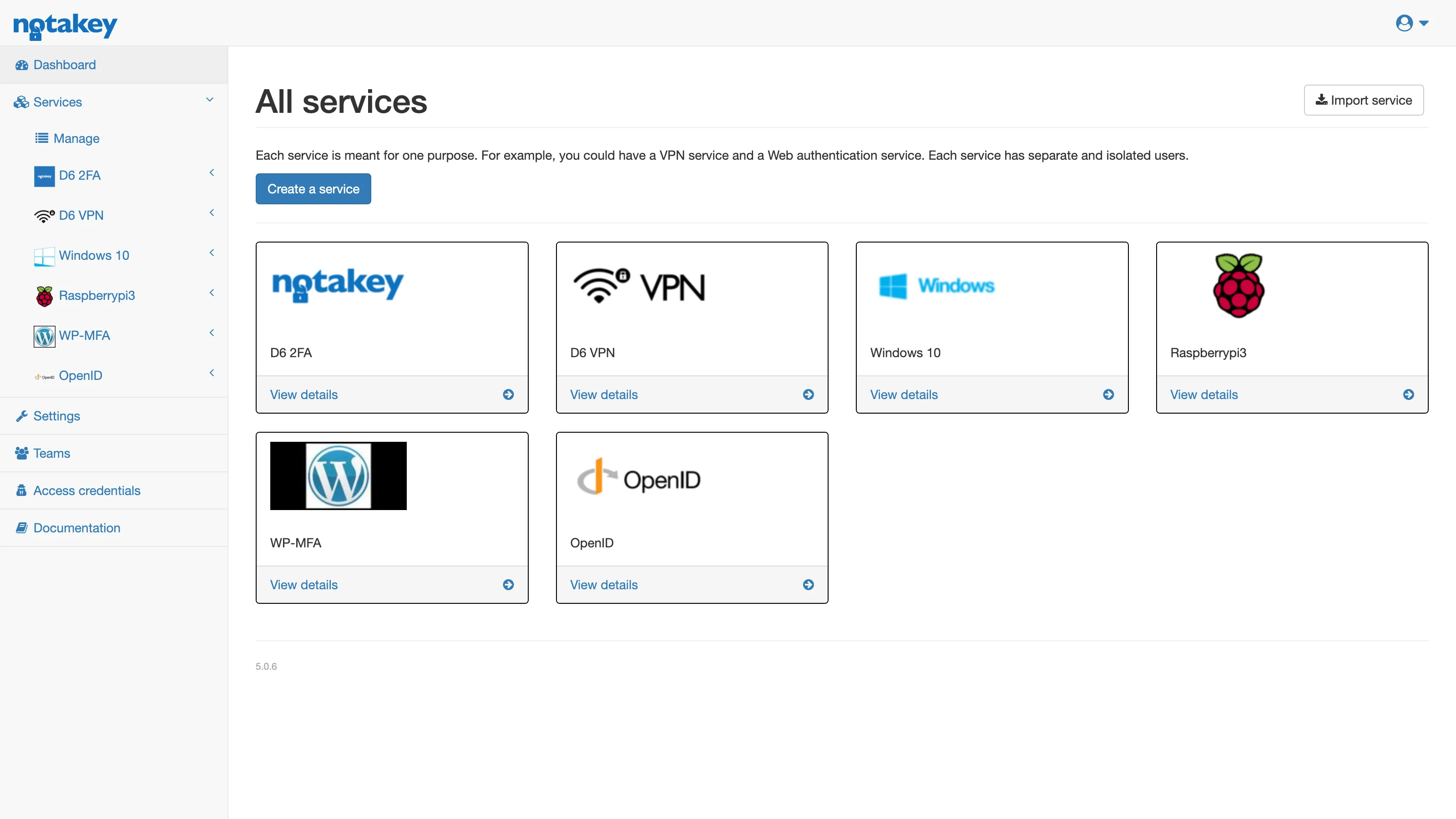
VPN, Windows login, web SSO and transaction signing are all configured from the same appliance dashboard. Add a service, set its security policy, and point the system you already run at it. There are no separate products to license or operate.
Live demo
Sign a payment in the demo bank
A working online bank protected by Notakey. Onboard your phone and approve a transaction — two minutes, no sales call.
demobank.notakey.com →How-to guides
Configure it yourself
Step-by-step guides for VPN with RADIUS, MikroTik, Windows Remote Desktop and WordPress, written for the engineer doing the work.
Browse the guides →Insights
Latest from the blog
Benefit-led writing on authentication, compliance and cost, for the people who evaluate and buy it.
29 October 2026
What the Baltic NIS2 laws actually require for MFA: Latvia, Lithuania, Estonia
Latvia names the accounts, Lithuania sets a 24-month clock, Estonia points to E-ITS. The exact MFA clauses in the three Baltic NIS2 laws, with sources.
29 October 2026
Why passkeys do not work on a RADIUS VPN, and what does
Passkeys stop phishing in the browser, but a RADIUS VPN has nowhere to put one. The three realistic ways to protect VPN logins and what each misses.
11 October 2026
Palo Alto GlobalProtect 2FA over RADIUS, without a separate RADIUS server
Add phone-approval 2FA to Palo Alto GlobalProtect with the Notakey auth-proxy and RADIUS plugin. Timeouts, protocol and double-prompt fixes.